Total surprise
Several questions per round, each with a randomly drawn letter and category.
Categories with friends
Get a letter and write one word per category.
Mobile apps are coming soon. Install on Android TV. Join on iPhone or Android in your browser.

Round letter
On your phone
Monkey01 — Three ways to play
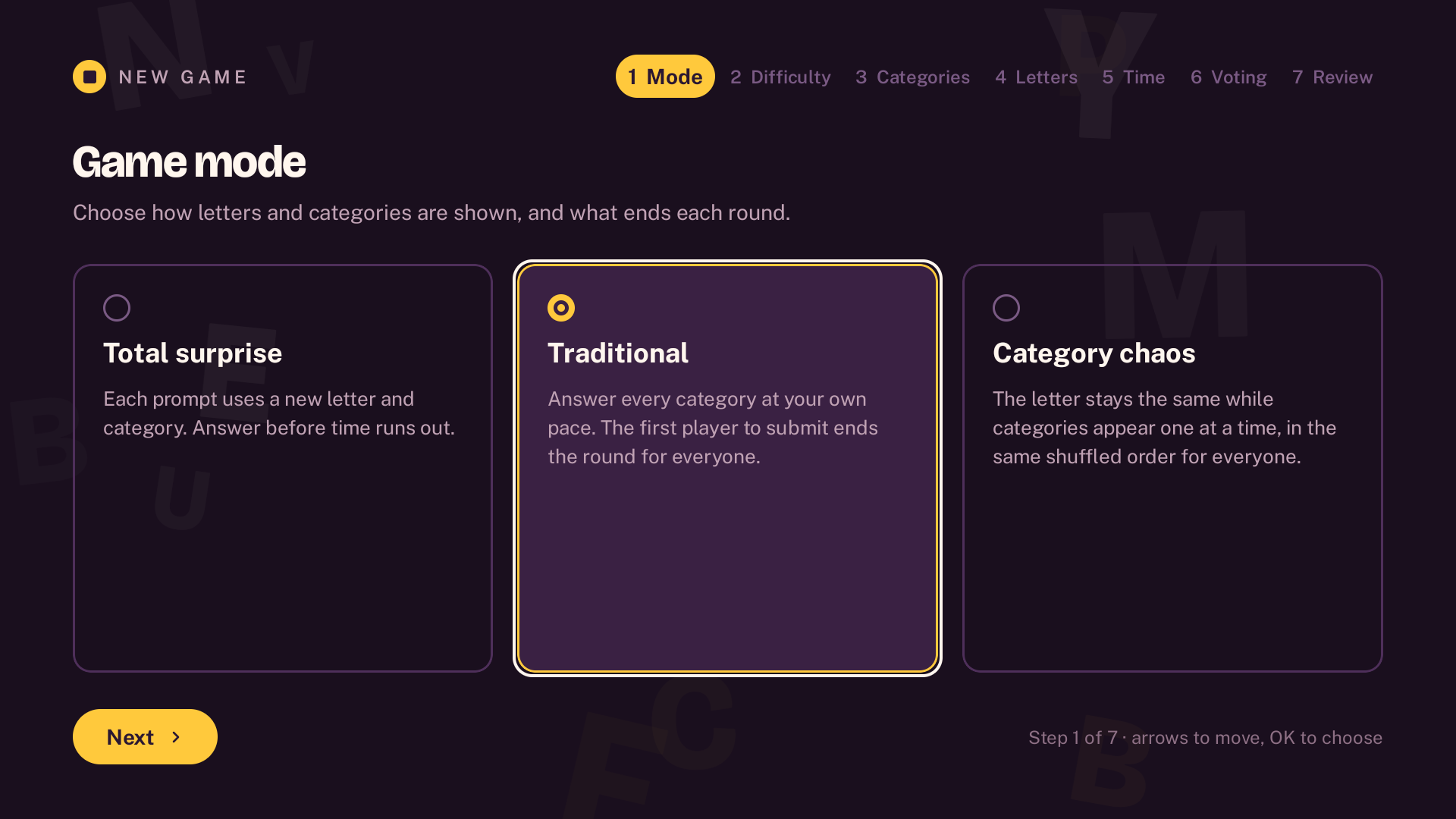
Choose one of three modes on Android TV.
Several questions per round, each with a randomly drawn letter and category.
One letter for every category; the first Stop ends the round for everyone.
The letter stays fixed while surprise categories appear one at a time, in the same order for everyone.
You can also adjust
Adjust difficulty, counts, points, penalties, rounds, timing and voting.
Hard mode: the most obvious answers can be excluded.
02 — How to play
No account needed; local and online rooms both require Internet.
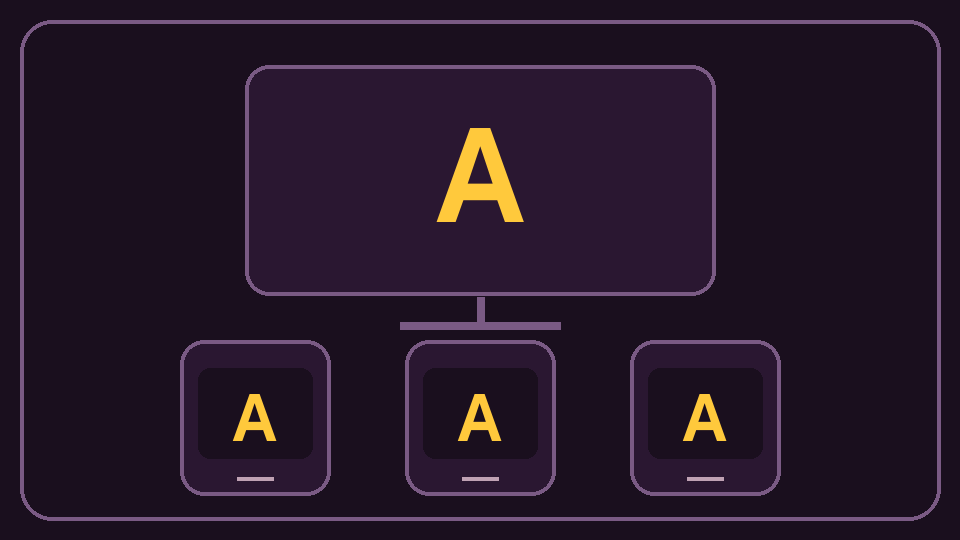
Open a room on Android TV and share the link or code for friends to join in their browser.
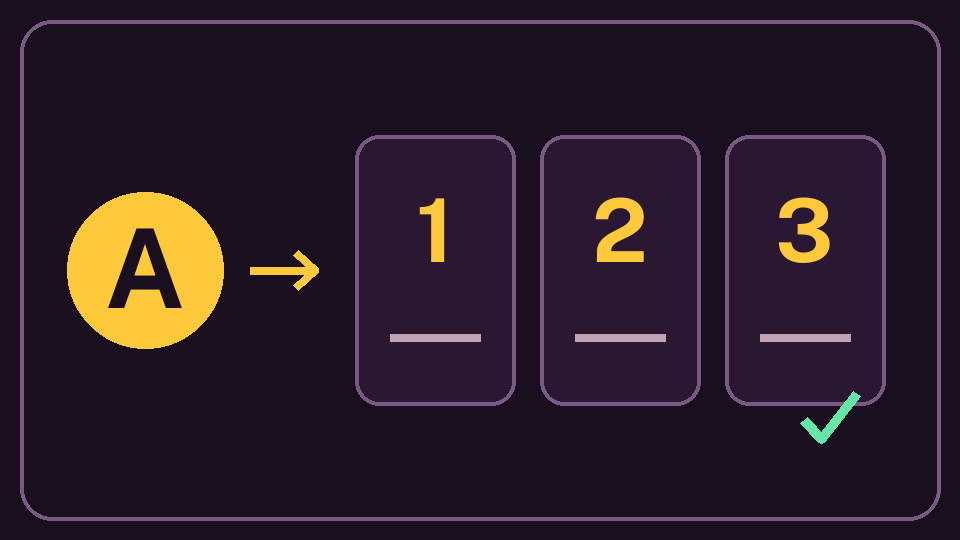
The host shows the letter, category and timer; each player answers on their own phone.
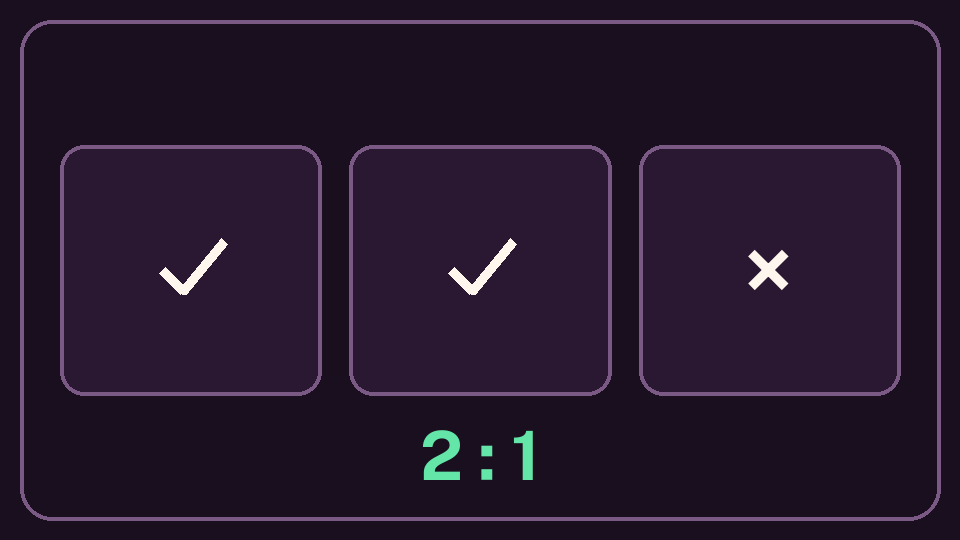
The game recognises clear answers. Doubtful ones can go to a vote, while the host keeps the final say.
See the scores after review and play again with the same rules and players.
03 — Categories with friends
Answer on your phone, with an optional shared TV screen.
Use the QR, link or code, choose a name and join without an account.
The host announces countdowns, letters and categories with music and visual timing cues.
Clear answers are recognised; doubts go to a vote or the host’s decision.
The first version supports 14 language variants, including UK and US English.

Families and friends
For families and friends, including children aged 7 and over who can write, playing locally or from different homes.
04 — Questions
iPhone and Android play together in the browser, with no app to install; the iOS app is on its way.
Open a room on Android TV and share the link or code for friends to join in their browser.
Yes: all rooms use the Maandrik service, even when everyone is in the same place.
Yes; the first game you start is ad-free, and another ad-free game becomes available four hours after it starts. Later games may show ads; Premium removes them permanently.
On Android, after review in local and online games, depending on each installation’s free offer and Premium.
The TV app includes five games started per installation when hosting, with no ads. Starting a sixth game requires a one-time Premium purchase, which permanently unlocks TV games.
Starting a game counts even if you abandon it; resuming it or playing another round does not count again. The fifth game can finish, and closing and reopening the app does not reset the counter.
No; Android and Android TV have separate one-time purchases, with no subscription. Google Play shows the price before you buy; existing TV Premium owners keep their unlock.
No. Cast uses none of the five TV games; ads stay on eligible phones.
Yes; joining a room in a browser is free, with no ads or Premium purchase, including on iPhone and iPad.
Yes: Maandrik processes room data for play and reconnection; drafts stay private until review.
Google Play
Install on Android TV and invite friends with a link or code.